Logique de recharge
1. Vue d’ensemble
L’appareil ajuste automatiquement sa stratégie de recharge en fonction du niveau de charge de la batterie (SOC), de la réserve de secours et de la source de recharge. Les objectifs principaux sont :
- Conserver une réserve minimale de secours afin d’éviter une décharge excessive de la batterie
- Privilégier la recharge via l’énergie photovoltaïque (PV)
- Utiliser l’alimentation AC si nécessaire pour accélérer la récupération du système
- Éviter les commutations fréquentes lorsque la batterie est proche du seuil critique
Selon la source de recharge, le système applique automatiquement l’un des deux modes suivants, sans intervention manuelle :
- Recharge solaire + réseau : priorité au photovoltaïque, avec complément automatique par le réseau électrique en cas d’insuffisance
- Recharge solaire uniquement : recharge de la batterie exclusivement via le photovoltaïque
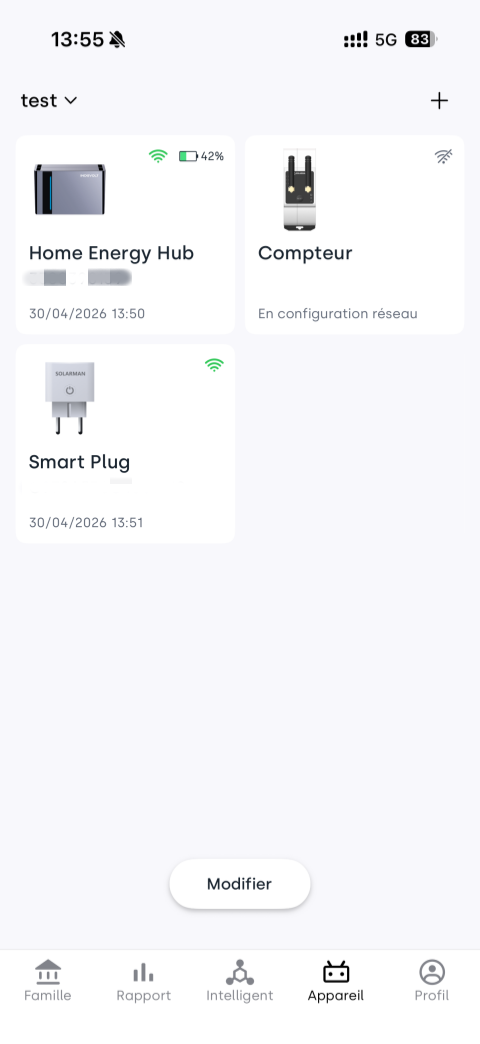
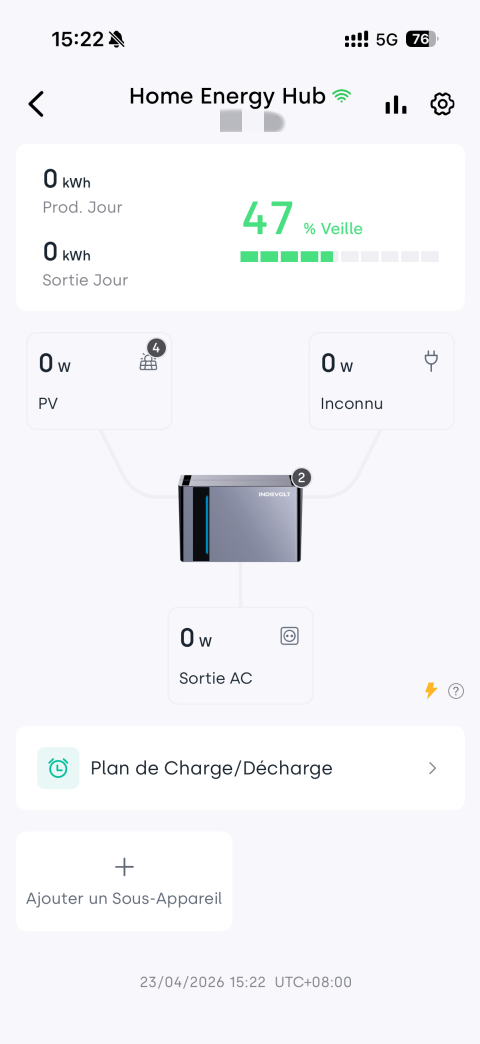
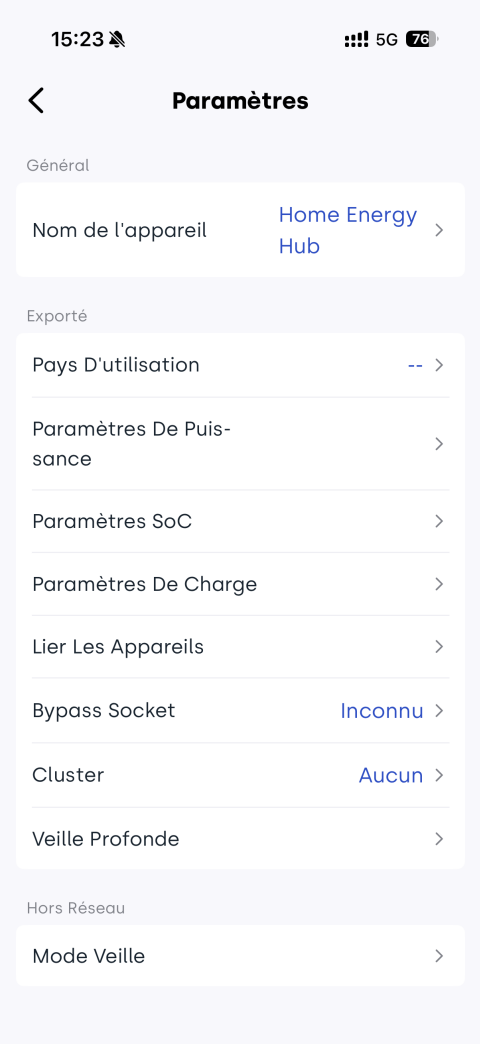
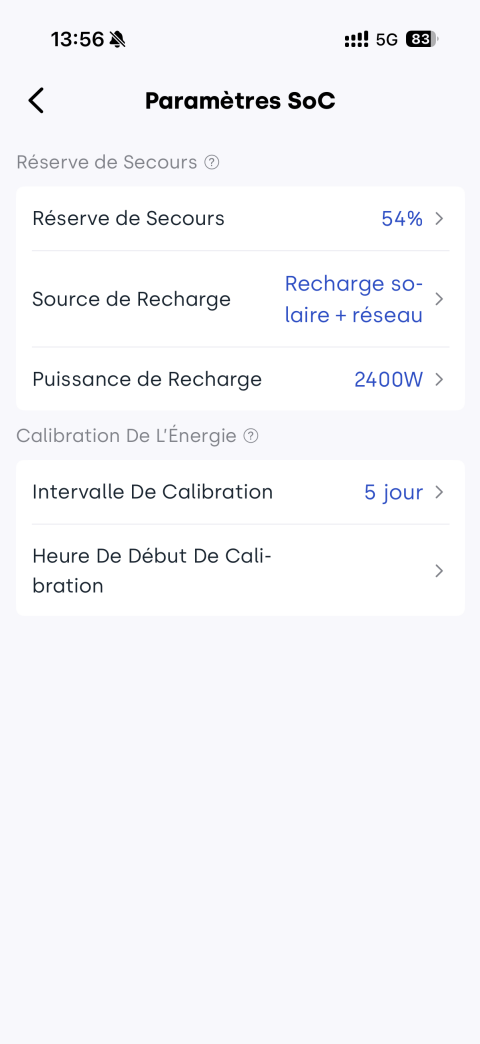
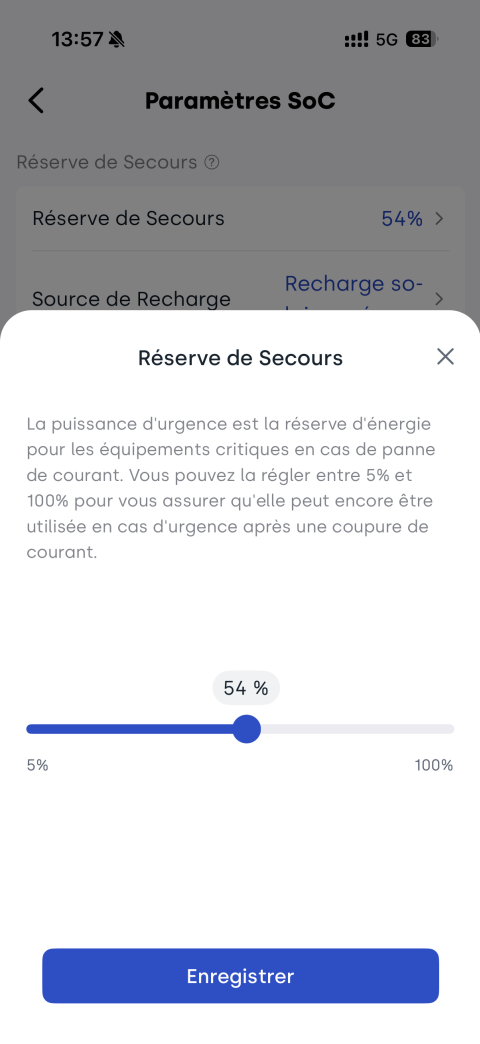
👉 Étapes dans l’application : page appareil → sélectionner le micro-stockage correspondant → cliquer sur l’icône  → paramètres SoC → définir la réserve de secours (5 % ~ 100 %)
2. Recharge solaire + réseau
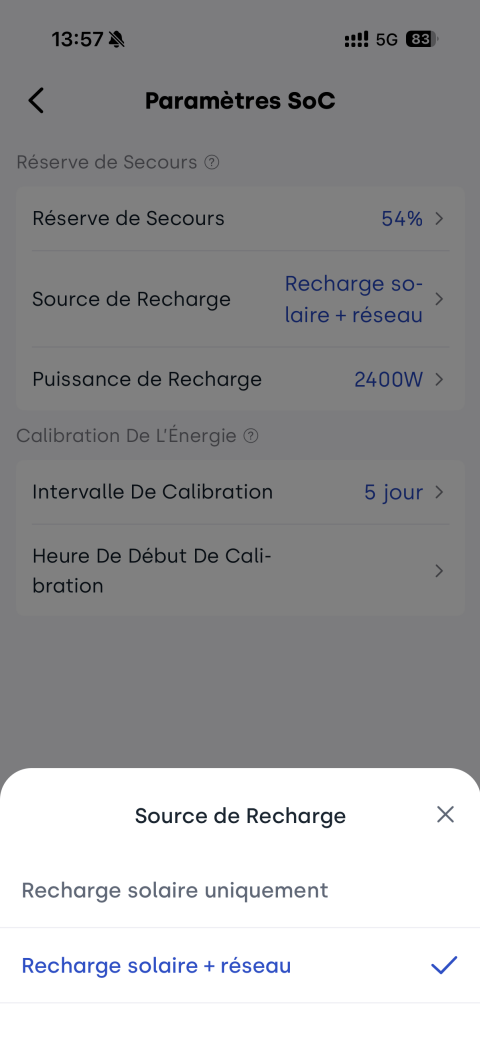
Lorsque la source de recharge est définie sur solaire + réseau, le système peut utiliser simultanément le photovoltaïque et l’alimentation AC pour la recharge.
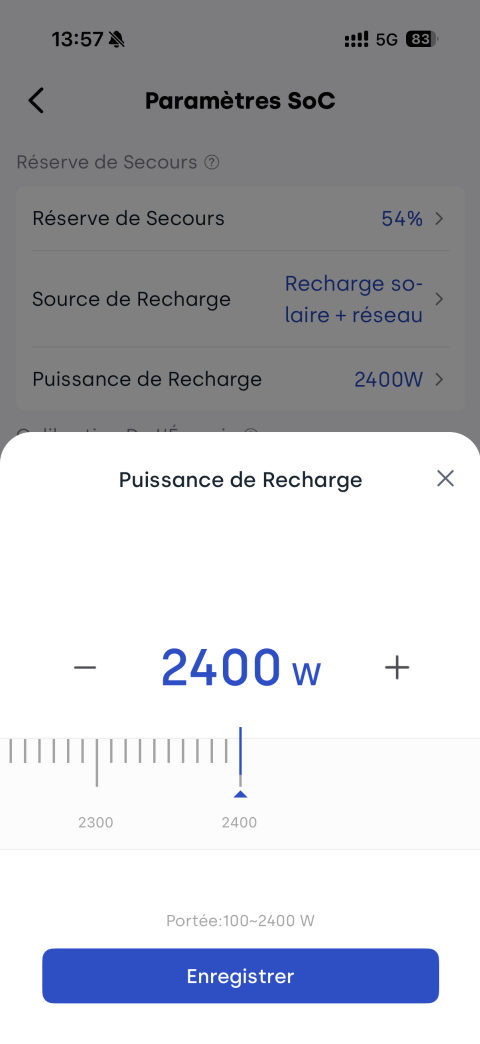
👉 Étapes dans l’application : page appareil → sélectionner le micro-stockage correspondant → cliquer sur l’icône → paramètres SoC
- Définir la source de recharge : sélectionner Recharge solaire + réseau
- Définir la puissance de recharge : puissance AC utilisée pour la recharge (par défaut 500 W)
- SolidFlex 2000 / PowerFlex 2000 : 100 W à 2400 W
- BK1600 / BK1600 Ultra : 100 W à 1200 W
Logique de fonctionnement
| Niveau de batterie (SOC) | État du système | Description du comportement |
|---|---|---|
| Au-dessus de la réserve de secours | Fonctionnement normal | Charge et décharge normales de la batterie |
| = réserve de secours | Mode protection | Arrêt de la décharge ; le PV peut toujours alimenter les charges |
| < réserve de secours (−2 %) | Recharge activée | Solaire + réseau chargent simultanément pour une récupération rapide |
| Retour à la réserve de secours | Arrêt de l’AC | Arrêt de la recharge AC, maintien du PV uniquement |
| > réserve de secours (+2 %) | Retour à la normale | Réactivation de la décharge de la batterie |
3. Recharge solaire uniquement
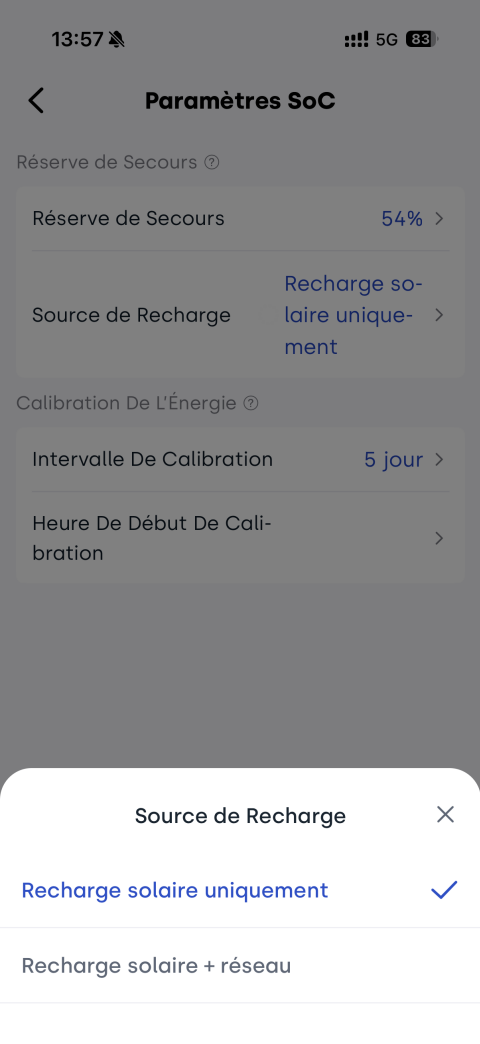
Lorsque la source de recharge est définie sur solaire uniquement, le système privilégie exclusivement la recharge via le photovoltaïque.
Dans des conditions normales, l’AC n’est pas utilisé pour recharger la batterie. Cependant, en cas de niveau de batterie extrêmement bas, un mécanisme de protection peut tout de même activer une recharge AC.
👉 Étapes dans l’application : page appareil → sélectionner le micro-stockage correspondant → cliquer sur l’icône → paramètres SoC
- Définir la source de recharge : sélectionner Recharge solaire uniquement
Logique de fonctionnement
| Niveau de batterie (SOC) | État du système | Description du comportement |
|---|---|---|
| Au-dessus de la réserve de secours | Fonctionnement normal | Charge et décharge normales de la batterie |
| = réserve de secours | Mode protection | Arrêt de la décharge ; le PV peut toujours alimenter les charges |
| < réserve de secours (−2 %) | Recharge PV | Recharge uniquement via le PV |
| ≈ 3 % (niveau total) | Protection basse batterie | Activation automatique de la recharge solaire + réseau pour éviter une décharge complète |
| ≥ 5 % (niveau total) | Sortie du mode protection | Arrêt de l’AC, retour au mode PV uniquement |
| > réserve de secours (+2 %) | Retour à la normale | Réactivation de la décharge de la batterie |
4. Différences entre les deux sources de recharge
| Scénario | Atteinte de la réserve de secours | < réserve de secours − 2 % | Protection basse batterie | Condition de reprise de décharge |
|---|---|---|---|---|
| Recharge solaire + réseau | Arrêt de la décharge ; le PV continue d’alimenter les charges | Recharge PV + AC simultanée | - | Recharge jusqu’à un niveau supérieur de 2 % à la réserve de secours |
| Recharge solaire uniquement | Arrêt de la décharge ; le PV continue d’alimenter les charges | Recharge PV uniquement | À 3 % (niveau total) : activation PV + AC ; à 5 % : arrêt de l’AC | Recharge jusqu’à un niveau supérieur de 2 % à la réserve de secours |