PV/Battery Temperature Derating Explanation
The system can operate at full power within an appropriate temperature range. When the temperature becomes too high or too low, the system will automatically reduce power. This behavior is called derating.
Derating is a normal protection mechanism that allows the system to operate in a safer condition. It helps prevent failures caused by overheating or overcooling, and also extends the lifespan of the equipment. Once the temperature returns to a safe range, the system will automatically restore rated power without manual intervention.
PV Thermal Derating
Under normal conditions, the system maximizes power generation. However, at higher temperatures, continuous full-power operation can introduce additional stress. When the internal PV conversion module (MPPT) temperature becomes too high, the system will automatically reduce PV power to protect the device.
The ECO series does not include a PV DC input interface and cannot be directly connected to PV modules. This section does not apply.
Why does derating occur?
The PV conversion module generates heat continuously during DC-DC power conversion, and higher power leads to more heat. External factors can further increase temperature, such as:
- High ambient temperature at midday in summer
- Poor ventilation at the installation site
If the temperature continues to rise while operating at full power, it may lead to overheating, reduced efficiency, or even damage. Therefore, the system reduces output power to maintain safe operation.
What will you notice?
In actual use, PV derating may appear as:
- PV generation does not reach the theoretical peak
- The generation curve appears “flattened” during midday
These are normal protective behaviors.
Derating behavior
When the temperature of the internal PV conversion module (MPPT) rises, the system limits the maximum PV power in steps. Power is automatically restored when temperature decreases:
-
When temperature is above 93°C, max power is limited to 80% of rated power
- Example: total power
2400W × 80% = 1920W; per PV channel600W × 80% = 480W - Rated power is restored when temperature drops below 75°C
- Example: total power
-
When temperature is above 96°C, max power is limited to 60% of rated power
- Example: total power
2400W × 60% = 1440W; per PV channel600W × 60% = 360W - Rated power is restored when temperature drops below 80°C
- Example: total power
::: The current App does not support displaying the temperature of the photovoltaic conversion module (MPPT). :::
Battery Temperature Derating
Compared to the PV conversion module, the battery is more sensitive to temperature. Therefore, its protection strategy is stricter. Both high and low temperatures can trigger derating.
Why does derating occur?
Battery operation is based on chemical reactions, which are highly sensitive to temperature:
- High temperature: accelerates aging and may introduce safety risks
- Low temperature: slows down chemical reactions; charging may cause damage
To ensure safe operation, the system limits charge and discharge power.
What will you notice?
- Charging becomes slower, or may stop completely
- Discharge power is reduced
- Rated charge/discharge power cannot be reached
Derating behavior
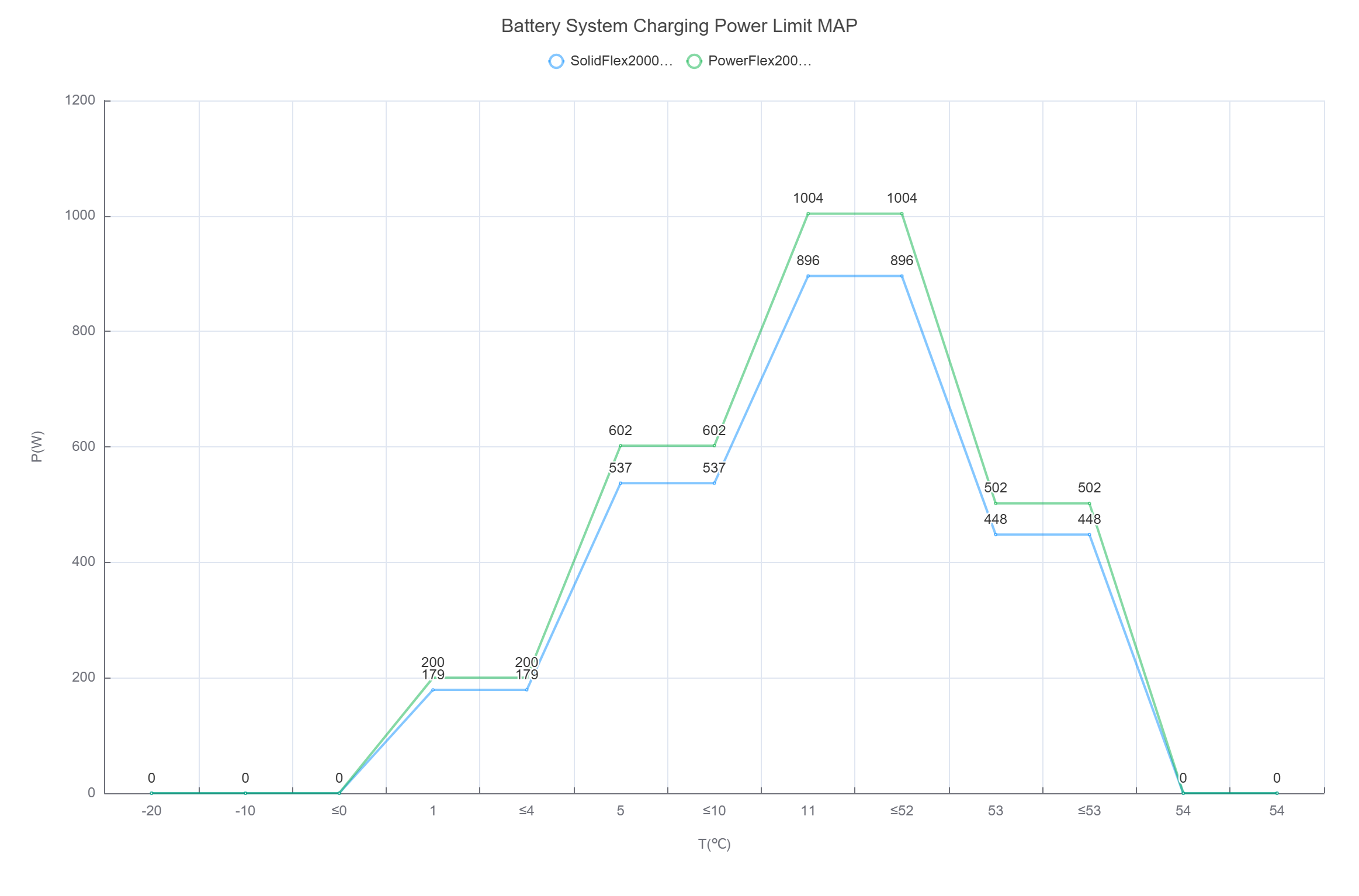
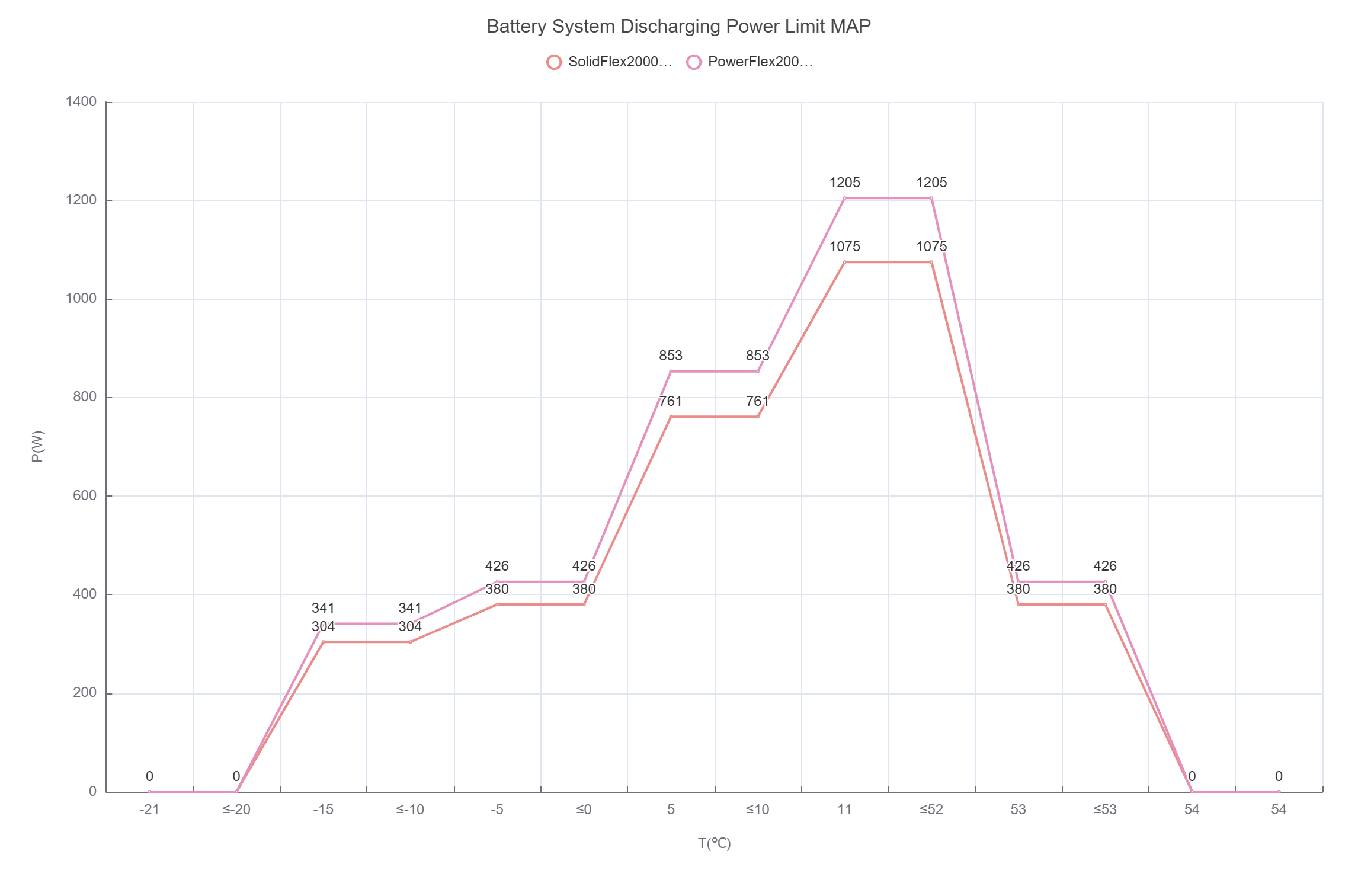
Battery charge and discharge power dynamically adjusts with temperature:
- At high temperatures: the system reduces charging power and limits discharge capability. If temperature continues to rise, charging and discharging will stop to prevent overheating.
- At low temperatures: the system mainly limits charging, since charging at low temperatures may cause irreversible damage to lithium batteries. Discharge capability is also reduced.
In winter, it is common to see “discharging works, but charging is unavailable.”
The values in the table below represent the capability of a single unit (main unit or battery pack).
Actual system power = per-unit power × number of units, and it will not exceed the system’s maximum charge/discharge power limit.
| SolidFlex 2000 / SolidFlex 2000 Eco / SFA1800 | PowerFlex 2000 / PowerFlex 2000 Eco / PFA2000 | |||
|---|---|---|---|---|
| Temperature (°C) | Max Charge Power (W) | Max Discharge Power (W) | Max Charge Power (W) | Max Discharge Power (W) |
| ≤ -20 | 0 | 0 | 0 | 0 |
| -20 < T ≤ -10 | 0 | 304 | 0 | 341 |
| -10 < T ≤ 0 | 0 | 380 | 0 | 426 |
| 0 < T ≤ 4 | 179 | 761 | 200 | 853 |
| 4 < T ≤ 10 | 537 | 761 | 602 | 853 |
| 10 < T ≤ 52 | 896 | 1075 | 1004 | 1205 |
| 52 < T ≤ 53 (restores to rated power when T ≤ 51°C) | 448 | 380 | 502 | 426 |
| > 53 | 0 | 0 | 0 | 0 |
How to Check Battery Temperature
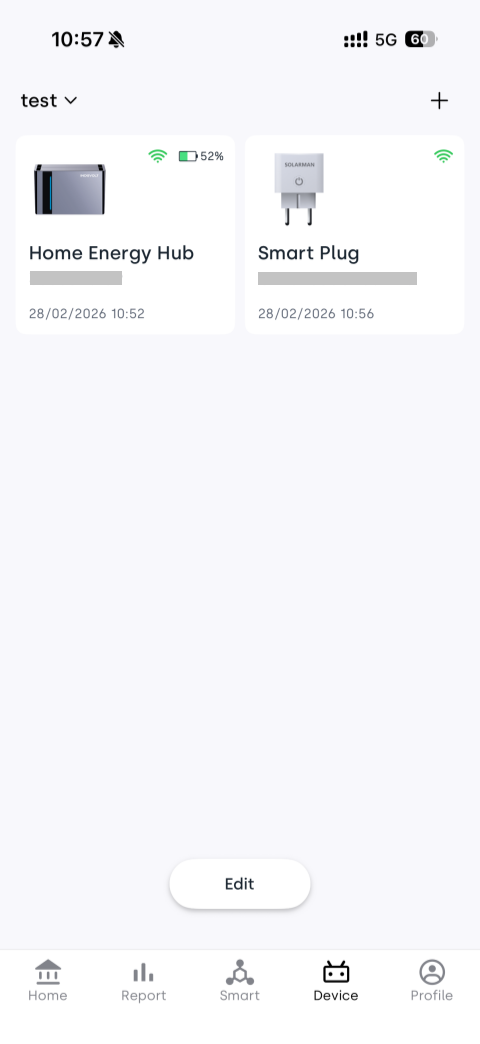
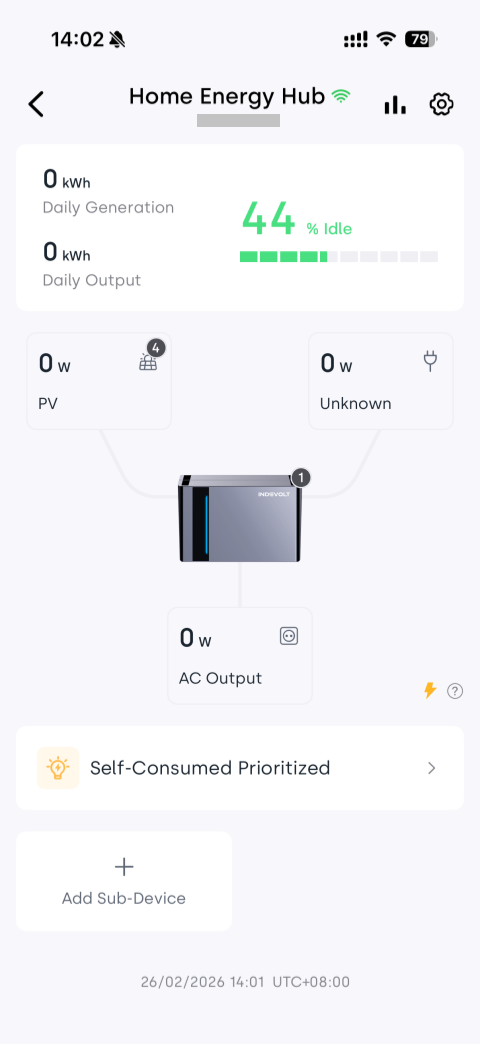
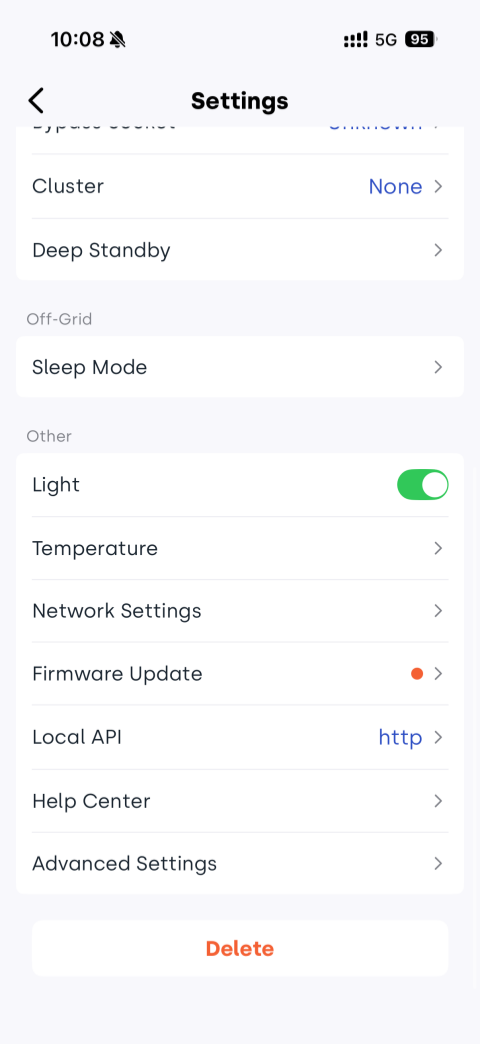
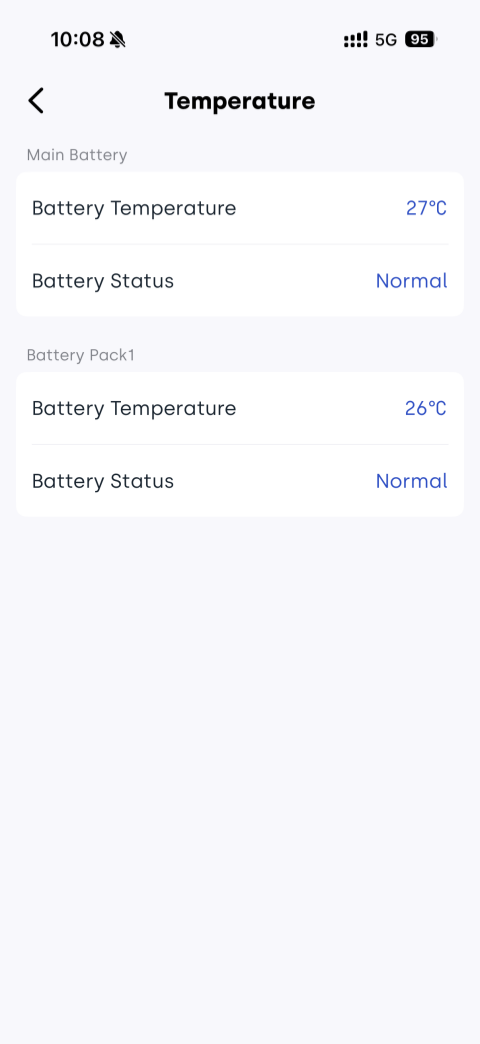
INDEVOLT App steps: Device page → Select the corresponding micro storage device → Tap  → Select Temperature → View main battery and battery pack temperatures